 MoveLog
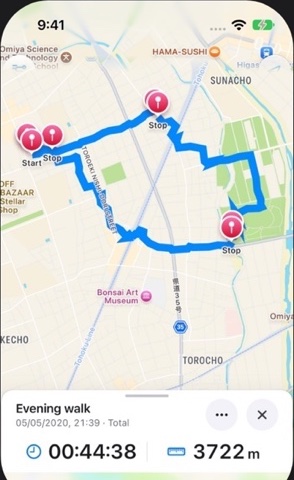
Record your route
Even if you close the app, it picks up where it left off.
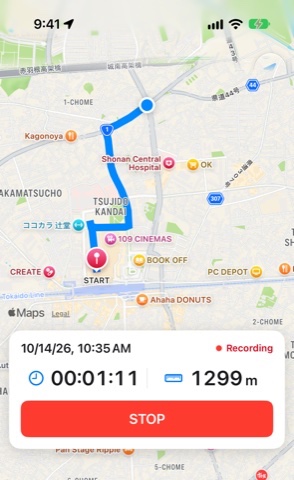
MoveLog makes every trip more fun.
Just tap record. Look back on your route, time and distance on the map anytime.
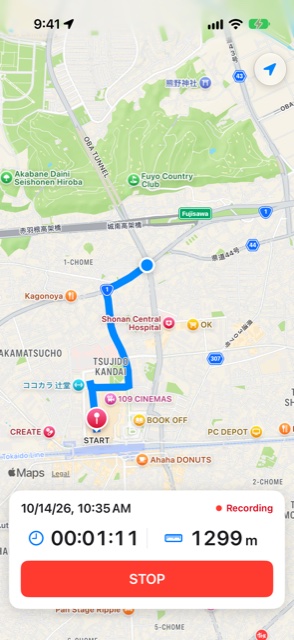
Even if you close the app, it picks up where it left off.
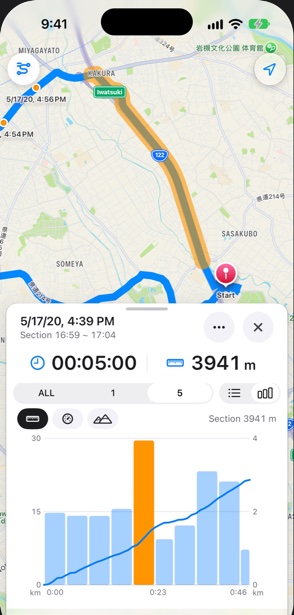
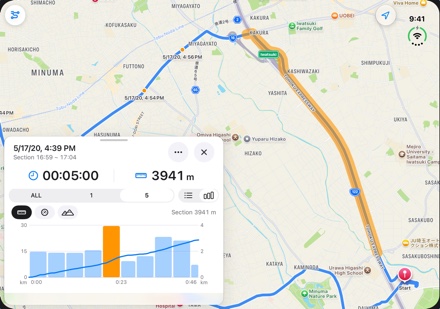
Open a log to see the total time and distance at a glance.
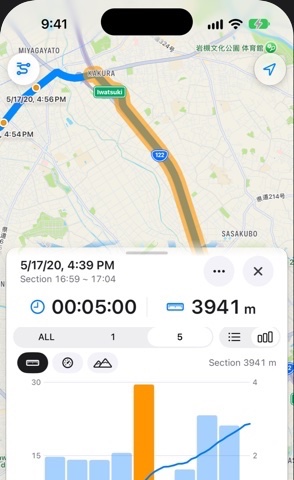
Check distance, speed and elevation for each section in graphs.
Find the record of that day by name, date or calendar.
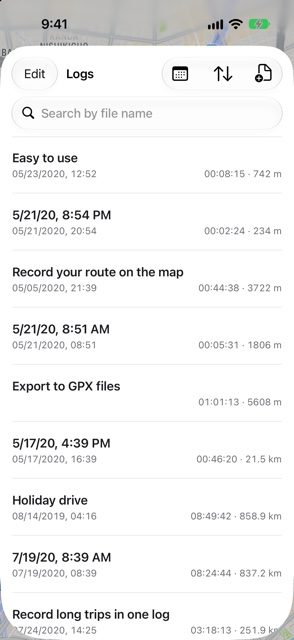
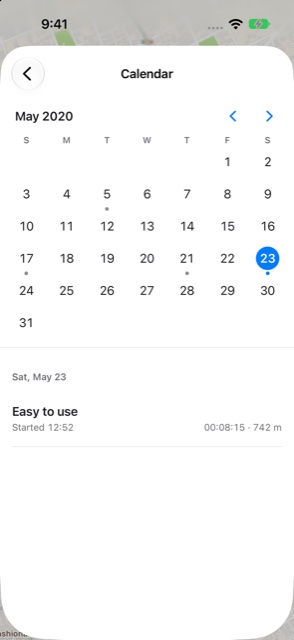
On the wide unfolded screen, view the detail panel or logs side-by-side with the map.
Works with Google Maps and other apps.
Follows your device settings.
Saved only on your device and iCloud.
Available outside Japan too.
Location data is saved only on your device and in iCloud, never sent to outside servers. Only when you publish a record, its route shape and summary (with no latitude or longitude) are sent to our server.
Privacy Policy →